Alarm Clock vs Phone Alarm
Dedicated alarm clocks and phone alarms each have trade-offs. Here’s how they compare on reliability, volume, screen time, and waking heavy sleepers.
What Is an Alarm Clock vs Phone Alarm?
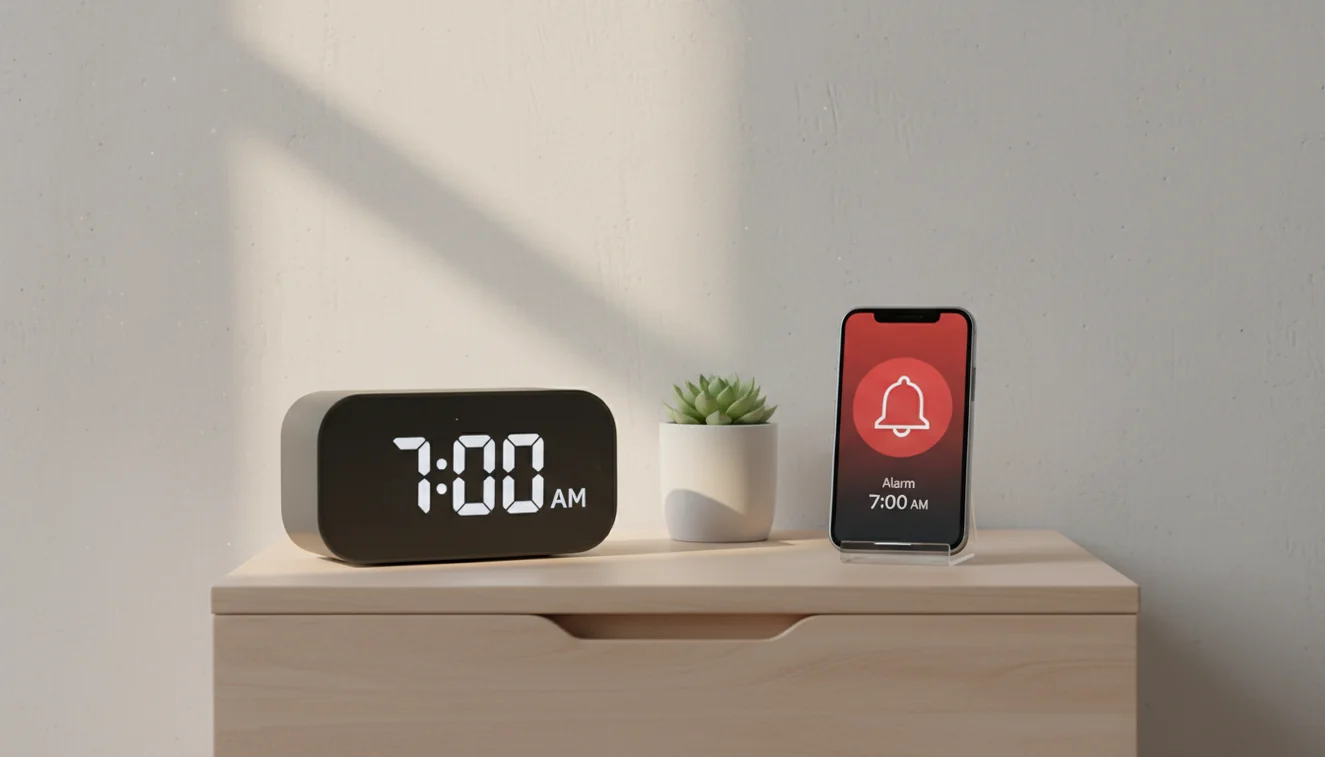
An alarm clock is a dedicated device whose primary function is to wake you at a set time. It may be battery-powered, plug-in, or both. A phone alarm uses your smartphone’s built-in or third-party app to trigger an alert at a set time.
Both serve the same basic purpose, but they differ in reliability, volume, power source, and how they fit into your sleep environment. The choice often comes down to how critical your wake-up is and whether you’re a light or heavy sleeper. Some people use both: a physical clock as backup and a phone app for flexibility.
Neither a phone alarm nor a dedicated alarm clock can address sleep disorders or chronic oversleeping caused by medical conditions. If standard alarms consistently fail to wake someone despite adequate volume and features, a sleep study may be appropriate.
Reliability Comparison
Phone alarms can fail for several reasons. Low battery or a dead phone means no alarm. Do Not Disturb or Focus modes can silence alerts. Software updates sometimes reset settings or cause app crashes. Some people miss flights because their phone died overnight.
Dedicated alarm clocks typically run on AC power with battery backup. They don’t depend on an OS or app. For critical wake-ups like early flights, job interviews, medical appointments, a plug-in alarm clock is the safer bet. If you rely on your phone, keep it charged and avoid modes that mute alarms.
Volume and Waking Heavy Sleepers
Phone speakers are limited. Even at max volume, many phones can’t match a dedicated alarm clock’s output. For light sleepers, a phone may be enough. For heavy sleepers, it often isn’t. Testing shows a loud alarm clock across the room will wake heavy sleepers when a phone on the nightstand won’t.
If you’re a heavy sleeper, consider an alarm for heavy sleepers, either a loud physical clock or an app with mission-based alarms that force you to complete a task before silencing. See our guide on best alarm sounds for what actually cuts through sleep.
Screen Time and Blue Light
Keeping your phone beside the bed encourages checking it before sleep and first thing in the morning. Blue light from screens suppresses melatonin and can delay sleep onset. Notifications create anxiety and the urge to respond. Even “just setting the alarm” often turns into scrolling.
A dedicated alarm clock removes the phone from the equation. You set the alarm and put the phone in another room or face-down. Your bedroom becomes a sleep environment, not a command center. For better sleep hygiene, see our morning routine tips and sleep cycle explained.
Mission-Based Alarms vs Snooze Button
Traditional alarm clocks and basic phone alarms share a weakness: the snooze button. One tap and you’re back to sleep. Mission-based alarms, available in apps like Alarmy, require you to solve math, take a photo, or shake the phone before the alarm stops. You can’t snooze without actually waking up.
Physical alarm clocks rarely offer this. Some people put the clock across the room to force themselves out of bed. Mission-based apps achieve a similar result: you must engage your brain and body. For how to wake up early, this approach is more effective than relying on willpower alone.
Battery Dependency
Phones need to be charged. If you forget or the charger fails, the battery dies and the alarm never sounds. Power outages can also affect phones if they’re not on a backup. Dedicated alarm clocks often use AC with a 9V battery backup—they’ll still go off during a blackout.
For travel or unreliable power, a battery-powered alarm clock or a phone with a full charge and a backup alarm (like a nap alarm or second device) reduces risk. Don’t assume your phone will always work when it matters.
Dedicated vs Multipurpose Device
A dedicated alarm clock does one job. It doesn’t get notifications, software updates, or app conflicts. It doesn’t tempt you to scroll. A phone is a multipurpose device: messaging, email, social media, games. That versatility is convenient but works against sleep and reliable waking.
The best approach for many people is a hybrid: use a dedicated alarm clock or alarm app for waking, and keep the phone out of the bedroom at night. Use our timer or stopwatch for other time-tracking needs without making the phone your primary alarm. The goal isn't to abandon your phone. It is to separate sleep and waking from the rest of your digital life.
Alarm Clock vs Phone Alarm App
If you prefer using your phone, choose an alarm app that addresses the weaknesses of the built-in alarm. Look for mission-based wake-ups, loud sounds, and options that prevent accidental dismissal. Alarmy offers these features and works even when the screen is off.
For the most reliable setup, pair an alarm app with good sleep habits: charge the phone overnight, disable Do Not Disturb for the alarm app, and consider keeping the phone across the room so you have to get up to turn it off. The goal is waking up consistently—whether that’s with a clock or a phone depends on your needs.
Related Guides
Frequently Asked Questions
Phone alarms can fail due to low battery, Do Not Disturb, software updates, or app crashes. Dedicated alarm clocks are generally more reliable for critical wake-up times.
Phone speakers are often quieter than dedicated alarm clocks. Heavy sleepers may need louder alarms or mission-based wake-up tasks.
Yes. Keeping your phone bedside increases screen time before bed, blue light exposure, and temptation to check notifications, all of which can disrupt sleep.
A mission-based alarm requires you to complete a task (solving math, taking a photo, or shaking the phone) before it turns off. It prevents snoozing and ensures you are awake.
No. If the phone is off or dies, the alarm will not sound. Dedicated alarm clocks with AC power or backup batteries avoid this risk.
Reasons include reliability, louder volume, no screen time before bed, no battery dependency, and separation from notifications and distractions.
Blue light before bed disrupts melatonin and sleep. In the morning, some light can help wake you, but checking your phone first thing reinforces screen habits.
Convenience: one device, customizable sounds, and integration with other apps. For light sleepers in quiet environments, it may be sufficient.
An alarm clock app is a dedicated mobile application for waking up that goes beyond the built-in phone alarm. It offers louder tones, mission-based dismissal, sleep tracking, and anti-snooze features in a single app.
Keeping the phone in another room eliminates screen time before bed and forces you to get out of bed to dismiss the alarm. Both effects improve sleep quality and make waking up easier.
Smart speakers like Amazon Echo and Google Home can set alarms with voice commands. Volume is limited by the speaker hardware, and there are no mission-based dismissal features. They work for light sleepers in quiet environments.