Online Stopwatch
Millisecond precision with lap tracking. No install needed.
| Lap | Lap Time | Total |
|---|---|---|
| No laps recorded | ||
How to Use This Online Stopwatch
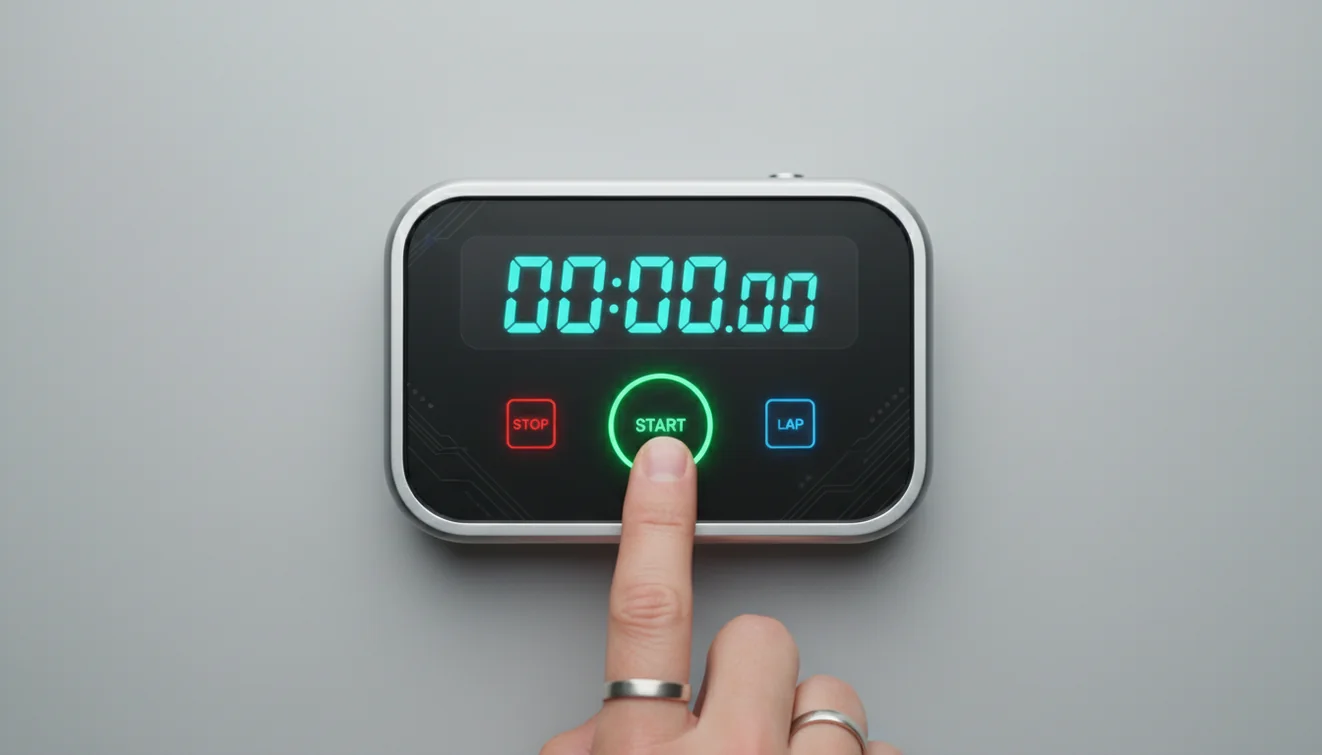
Hit Start and the counter begins immediately. The display updates in real time showing minutes, seconds, and hundredths of a second. Press Stop to freeze the time.
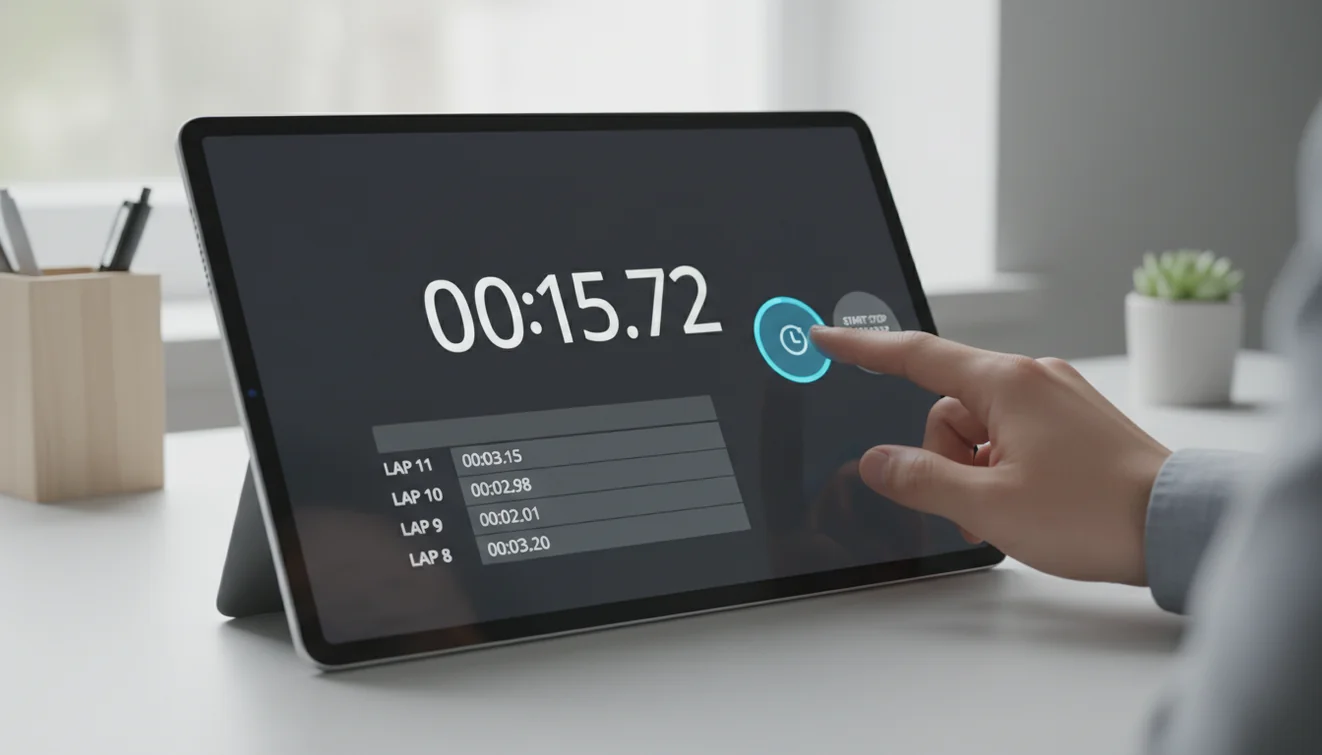
The Lap button records a split time without stopping the clock. Each lap captures the interval since the last lap and the total elapsed time. Results appear in the table below the stopwatch, most recent on top.
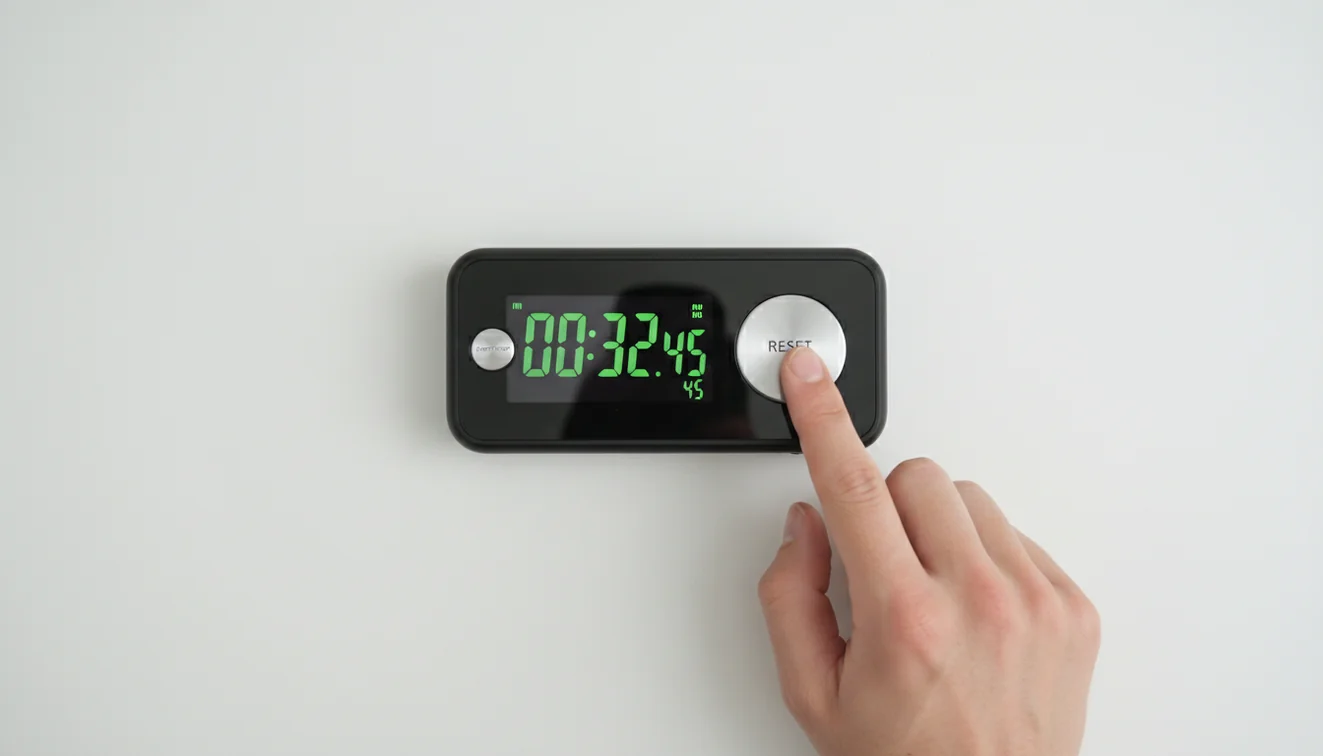
When you're done, press Reset to clear everything and start fresh. The stopwatch runs entirely in your browser. No data is sent anywhere, and nothing is stored unless you save it yourself.
What Is a Stopwatch?
A stopwatch is a timekeeping device that measures elapsed time from a starting point. It counts upward from zero, unlike a countdown timer which counts down to zero from a set duration.
Stopwatches are used in sports, cooking, science experiments, and productivity tracking. The lap function allows users to record intermediate times without stopping the overall count, which is essential for interval training and split-time comparisons.
Digital stopwatches, including online versions, typically offer millisecond-level precision. Physical stopwatches used in professional athletics are calibrated to higher accuracy, but for general purposes, a browser-based stopwatch provides more than enough precision.
Online stopwatches are accurate enough for everyday timing but should not be used for official athletic records or scientific measurements. Browser timer resolution varies by device and tab focus state. For competitive timing, certified hardware stopwatches remain the standard.
Stopwatch vs Timer - What Is the Difference?
A stopwatch counts up. A timer counts down. That's the core difference. A stopwatch answers "how long did this take?" while a timer answers "how long until this is done?"
Use a stopwatch when you want to measure the duration of an activity after it starts. Use a timer when you know the duration in advance and need an alert when time expires. Both tools are available on this site. Use the countdown timer for timed intervals.
Using a Stopwatch for Interval Training
Interval training alternates between high-effort and rest periods. A stopwatch with lap tracking lets you record each interval without pausing the overall session. You get both the split time for each set and the total elapsed time for the workout.
The lap button is the key feature here. Press it at the end of each sprint, each set, or each circuit. After the session, the lap table gives you a clear record of how your intervals compare; whether you slowed down, sped up, or stayed consistent. Over weeks, this data shows progress that subjective feel alone can't reveal.
For structured workouts with fixed rest periods, a countdown timer is more appropriate. But for free-form training where you want to track without constraints, a stopwatch is the right tool. Both are available on this site.
Stopwatch Apps for Mobile
A phone stopwatch app runs natively on the device, which means it keeps tracking even when the screen locks or you switch to another app. For runners, swimmers, and gym-goers who pocket their phone during a session, this persistence is essential.
Most alarm clock apps like Alarmy include a stopwatch alongside their alarm, timer, and sleep tracking features. A single app replaces several tools, which simplifies the workflow for people who use timers and stopwatches regularly throughout the day.
Browser-based stopwatches work well when you're already at a computer: timing a presentation rehearsal, tracking a cooking step, or logging how long a task takes. For anything physical or mobile, the phone version is more practical.
Related Tools & Guides
Frequently Asked Questions
Online stopwatches use the browser's high-resolution timer, which is accurate to approximately 1 millisecond on modern devices. For casual timing, exercise, and everyday tasks, this is more than sufficient.
Yes. This stopwatch includes a lap feature. Each time you press the Lap button, the current split time and total elapsed time are recorded in a table below the display.
Yes. The stopwatch uses the performance timer and continues running in background tabs. However, the visual display may update less frequently until you return to the tab.
Yes. This stopwatch is completely free with no sign-up required. It runs entirely in your browser.
A stopwatch counts up from zero and measures elapsed time. A timer counts down from a set duration and alerts you when it reaches zero. They are opposite tools for different timing needs.
Yes. The lap feature makes it useful for tracking intervals, sprints, or circuit training. Tap Lap at the end of each set or distance marker to record split times.
Yes. This stopwatch works in any modern mobile browser. The buttons are touch-friendly and the display is responsive across screen sizes.
A lap timer records split times at intervals during a continuous timing session. Each lap press saves the elapsed time since the last lap and the total time. It is used in running, swimming, and circuit training.
Use the stopwatch lap feature to mark each interval. Press Lap at the end of each work period and rest period to track splits. Some people prefer a countdown timer with preset intervals for structured HIIT.
Browser-based stopwatches use the performance.now() API, which provides sub-millisecond accuracy. For casual timing, exercise, and everyday tasks, this level of precision exceeds what is needed.